Tampilkan postingan dengan label to. Tampilkan semua postingan

How To Clean Headphone Cushions

Sabtu, 22 Februari 2014


Cushions are placed on the edges on headphones, around the speaker driver, to make our ears feel comfortable when wearing them for a long time and to eliminate people talking in the background, to cancel out noise heard that will disturb you listening to your music. After a long time, the cushions on the headphones will become dirty and greasy, from general everyday dust and sweat that is produced by your ears. Giving them a quick clean will make them look new and smell fresh.

Instructions:

1) Remove the cushions that are placed on both sides of the headphones, they should come off by pulling them off. Removing them will make it much easier for you to clean them, without getting any liquid onto the speaker drivers, as this can damage them.

2) Once the cushions have been removed from the headphone, take them to your kitchen sink. Get a soft sponge and pour washing up liquid onto the sponge.

3) Using the sponge with the washing up liquid on it, give both headphone cushions a good scrub. This will remove dirt and grease off them instantly.

4) Once scrubbed, rinse them under hot water.

5) Using a soft towel, dry the water off both headphone cushions and then replace them back onto the headphones.
Read More..

How To Check If Your PSP Screen Has Dead Pixels

Jumat, 21 Februari 2014


If not sure if your psp screen has dead pixels, you can use a black colour background as a image and use it as a dead pixel checker background. The black background colour allows users to check and to spot any dead pixels on the psp screen. So get a random black colour wallpaper from Google images that matches the resolution of the psp screen and copy it onto the images folder on the memory stick. Then load the black colour background onto your psp console, this is by selecting photo and then select the memory stick and find the black colour wallpaper, by pressing the button X.

Once it is opened, increase the back light of the psp screen to its maximum level, this is by pressing the brightness button. Once you have done that, look carefully at the screen to identify any dead pixels that are exposed. A dead pixel shows up as a white dot, if you see any of them on the psp screen, if they are minor they can be repaired, this is using a soft cloth and pressing with force onto them. If the dead pixels dont fix themselves when applying pressure to them, then you will need to replace the screen. If you see no white dots on the psp screen, your psp doesnt have dead pixels, which is a good news!
Read More..

How To Make PS2 Play Games In 16 9 Widescreen Resolution

Kamis, 20 Februari 2014


Widescreen provides a more range to be seen in the picture, making more detail appear onscreen on your TV. From the factory, your Sony PS2 console will be setup on the standard 4:3 aspect ratio. If you have a television that is widescreen compatible, you can setup your PlayStation 2 console to play games and watch DVD movies in the widescreen 16:9 aspect ratio. When setup to widescreen, you will notice that only some games and DVD movies will only benefit from a widescreen television. This is because not all games and DVD movies are developed to be watched in widescreen.

1) Power on your PS2 Console, this is by pressing the Power/Reset button down. Then quickly press the Eject button on your console to stop the disc drive loading the inserted disc. This will make the console load onto the PS2 main menu.

2) Once the PS2 has booted onto the Main Menu, you will see two options Browser and System Configuration Menu. Using the D-pad found on your dualshock 2 controller, select the System Configuration Menu option and press the X button to enter.

3) Then the System Configuration Menu will now appear onscreen on your TV. So using the D-pad, browse through the different options until you see the one called Screen Size. When you have found it, select it and press the X button on the dualshock 2 controller to enter.

4) You will now have three choices, 4.3, Full and Widescreen. Since you have a widescreen television, the option that you want to select is Widescreen. This will make the PS2 system settings configure the console to display games and movies in the 16:9 widescreen aspect ratio.
Read More..

How To Show Battery Percentage On Iphone 3GS Model

Minggu, 16 Februari 2014


Knowing how much battery percentage is remaining on your iphone is ideal to be fully aware about at all times. Apple has included an integrated feature in the 3GS models, which allow you to exactly see what the battery percentage is currently at. Using this feature provides you with a more accurate status about the life remaining on the battery pack, if compared against the regular battery icon at the top of the screen. Once enabled in the phone settings, the battery percentage will be permanently displayed in the upper part of the screen.

1) Simply tap the Settings icon from the main menu.

2) Look down the list, you will see an option called General, then select the following option called Usage.

3) Then go through the list of different options until you find Battery Usage. Underneath Battery Usage, you will a find an option called Battery Percentage, with a status of being currently Off.

4) Tap on the icon that says Off, it will then change from Off to On. Now you will see a numerical percentage, along with the battery icon shown in the top right hand corner of the screen.
Read More..

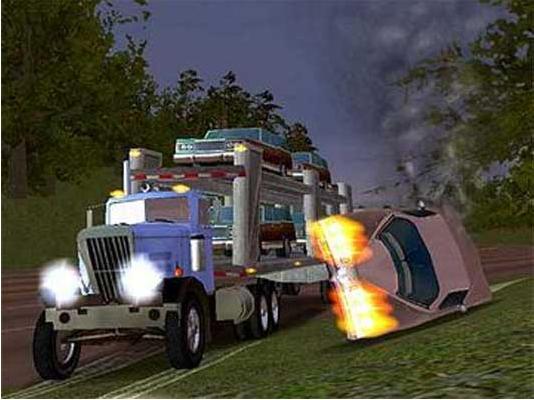
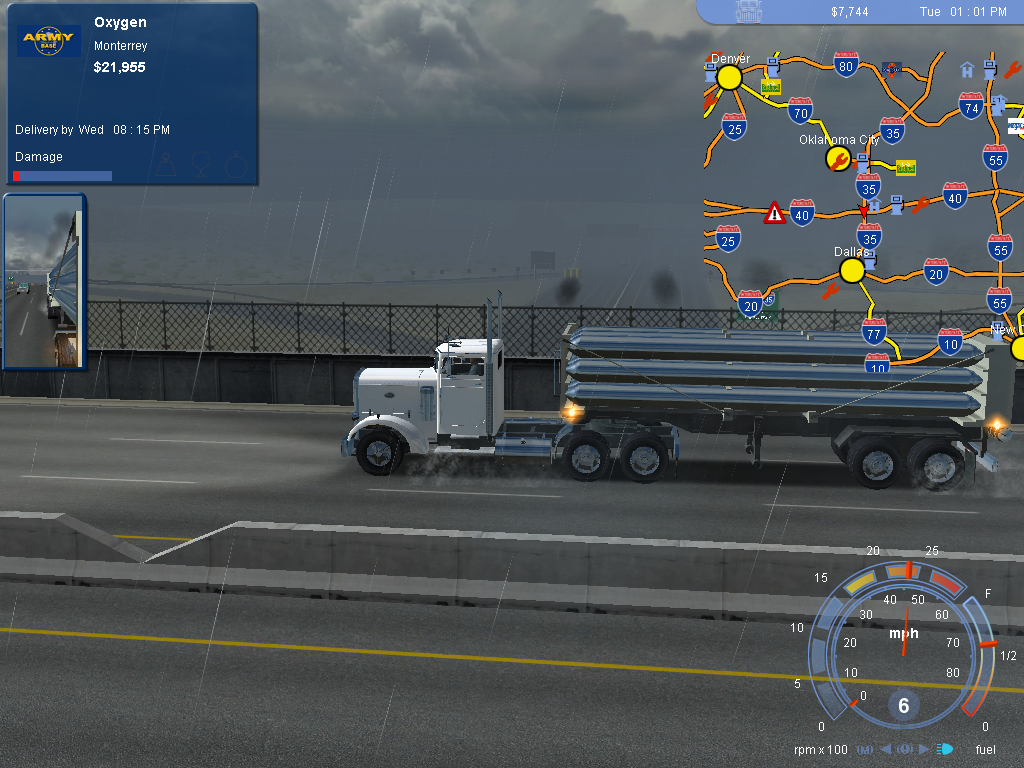
18 Wheels of Steel Pedal to the Metal pc game

Selasa, 04 Februari 2014


18 Wheels
of Steel Pedal
to the Metal System Requirement


Processor= 1.0GHz
RAM= 256MB
Graphics= 32MB


INSTALLATION


To install 18 Wheels
of Steel Pedal
to the Metal, insert the
game CD

into your CD-ROM drive. If installation does
not start automatically,
click on START and then Run and type d:autorun.exe and click OK.

If your CD-ROM drive uses a different drive letter, replace the
“d” with

the letter that your computer uses for the CD-ROM drive. Click
on the

Install button to begin the installation process. Follow
the on-screen
instructions to install the game.


If you experience problems running the autorun.exe try using the
setup.exe
also found on the CD.


Note

18 wheels of steel pedal to the metal Game


Download Free 18 wheels of steel pedal to the metal Game Full


A0017 18 wheels of steel pedal to the metal


18 wheels of steel pedal to the metal Game

Download Game
  1. DOWNLOAD GAMES FROM (muhammadsakil.blogspot.com).
  2. KEEP VISITING www.muhammadsakil.blogspot.com.
  3. DOWNLOAD PC GAMES.
Delta Force 3 Land Warrior

<|||||DOWNLOAD NOW|||||>


Read More..